Vahan RC Status Check on Parivahan: Steps and Fields
Check RC status on the Vahan Parivahan portal: what the owner, fitness, insurance and PUC fields mean, and what to do when it says record not found.

Co-Founder & CEO
Gaurav brings strategic leadership and business development expertise, with a focus on growth and partnerships. He shapes vindecode.pro around the questions buyers and owners actually ask about VINs, RC checks and manufacturing dates, and drives the goal of making it the most trusted free VIN decoder for India and the US.
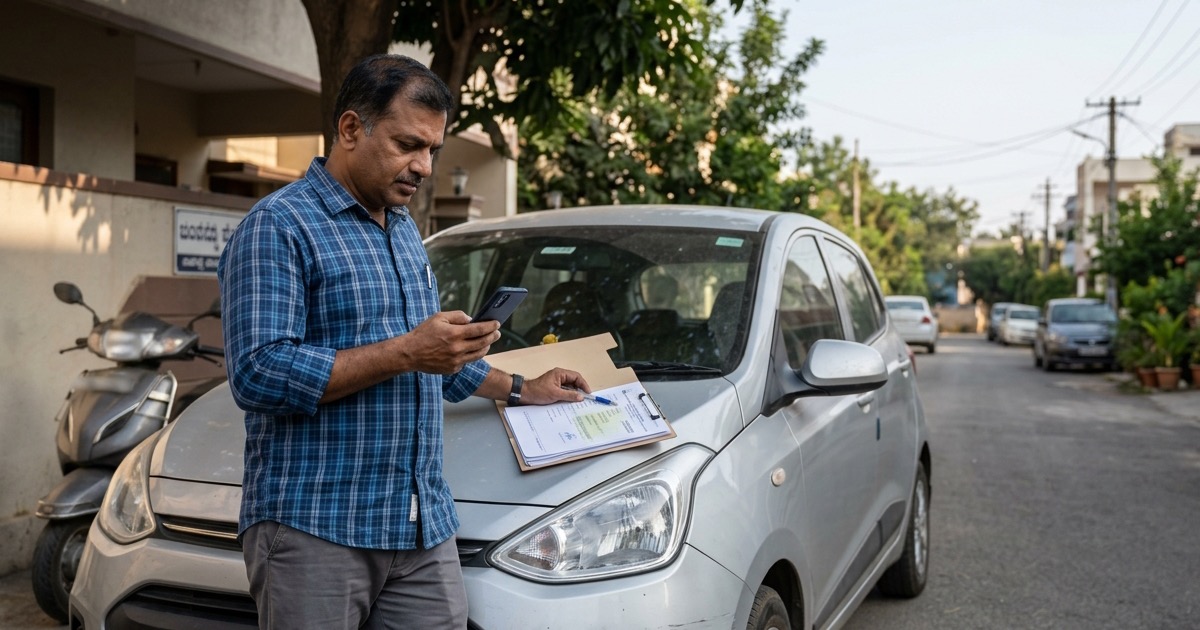
Vahan Parivahan RC status is best checked through the official Know Your Vehicle Details service: enter the registration number, complete the captcha, then compare the returned basics with the vehicle and RC in front of you. It is a useful fraud screen for an Indian used-car or bike deal, but it does not replace the original RC, a title transfer, or the registered owner’s identity check.
Start with the official RC check guide before meeting the seller. Keep the VIN decoder open as well if you can inspect the chassis stamp, because the portal lookup and a chassis comparison answer different questions.
For the broader buyer sequence, see the step-by-step RC status guide. This page focuses on the official browser lookup and how to read it at the vehicle.
What the Portal Does
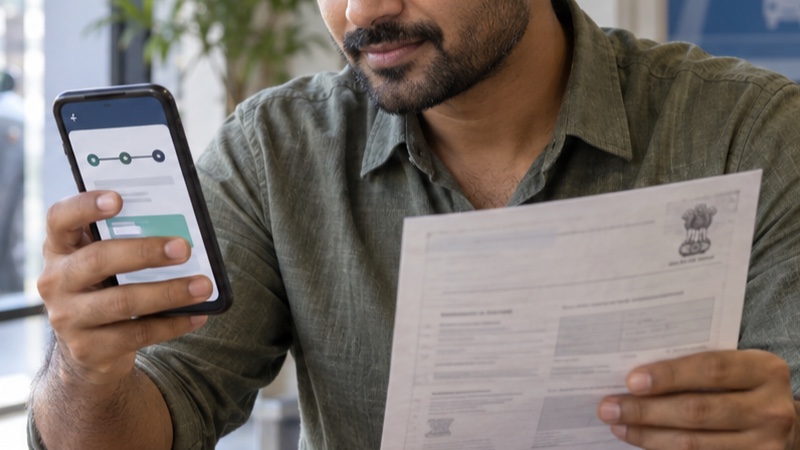
Parivahan’s License and Registration Details page lists Know Your Vehicle Details as a way to find basic details for a supplied vehicle number. The linked official form labels the inputs Vehicle Registration Number and Captcha Verification. It is a registration-number lookup, not a service for finding a vehicle number from somebody’s chassis number.
That distinction matters when a seller says, “The book is at home, just search the chassis.” A chassis number can help you match the car or bike to its documents. It should not be treated as an open owner-search key. See what an RC check by chassis number can actually establish before you accept that shortcut.
The result gives you a fast comparison point. A plate that returns a different maker, fuel type or vehicle class from the one parked in front of you is enough reason to pause the deal. It is not an invitation to try variations of someone else’s registration number or to buy personal data from an intermediary.
Use Know Your Vehicle Details
Use the live government page because the exact screens and access requirements can change. This is the practical sequence for a buyer standing at a dealership or meeting a private seller:
- Open Parivahan’s License and Registration Details page yourself and choose Know Your Vehicle Details. Do not begin from an ad or a forwarded shortened link.
- On the official form, enter the registration number in the format the page requests. The current form shows an example such as
DL01AB1234; remove spaces and hyphens unless the live form says otherwise. - Enter the code shown under Captcha Verification and select Search. Refresh the captcha if you cannot read it. A seller or broker never needs your one-time password to let you perform a public plate lookup.
- Compare the result with the vehicle’s badges, fuel, RC and seller’s documents. Write down the discrepancies, not the owner’s personal details.
- If you are the recorded owner rather than a prospective buyer, use official owner-facing services where required. mParivahan supports virtual RC and shows status information for transport documents; it is not a licence to share an account login with a buyer.
Illustrative example: a listing for MH01AB1234 says it is a petrol compact SUV. If the result identifies a diesel vehicle, another maker or a different vehicle class, stop there. Ask the seller to show the original RC and explain the inconsistency. Do not assume a typed advertisement is more accurate than the registration record.
Fields Worth Checking
Read the result as a buyer’s cross-check rather than a report card. Some information is limited or masked in public views, so the strongest check is a match across several independent items.
| Field or label | Match it against | Why it matters |
|---|---|---|
| Registration number / registering authority | Plate and original RC | Confirms you are looking at the intended record, especially for an out-of-state vehicle. |
| Maker, model, class and fuel | Badges, fuel lid, invoice and RC | A different maker, fuel or class is not a routine spelling error. |
| Registration and manufacture dates | RC, Form 22 where available, sale paperwork | Helps check whether the seller’s account of the vehicle is plausible. For build-date context, use the car manufacturing-date guide. |
| Chassis / engine number suffixes, where shown | Full physical stamp and full RC field | Every visible character must line up. Ask to inspect the complete stamp. |
| Insurance, tax, fitness, PUCC, permit or challan status, where available | Current original certificate or issuing authority | A screen can be outdated; the issuer’s live document is the better proof. Transport vehicles need especially careful fitness and permit checks. |
| Hypothecation | Lender clearance, Form 35 and RC endorsement | A closed loan is not enough if the RC still carries the financier’s entry. |
For an illustrative chassis string such as MA1XX2AB3K4L56789, count characters only. It is not a real record. On the actual vehicle, compare the full stamping with the RC, insurance certificate and invoice. Fresh paint around a stamp, uneven characters, grinding, weld marks or a replacement-looking riveted plate call for RTO, insurer or police scrutiny before you pay.
Record Not Found and Other Errors
“Record Not Found” does not prove that a vehicle is stolen or unregistered. It often means the number was entered incorrectly, a character was confused, the captcha failed, or the record is not available through that particular public view. Re-enter the exact plate from the physical number plate and RC. Don’t substitute O for 0, invent spaces, or search neighbouring numbers.
| What you see | Sensible next move | Avoid |
|---|---|---|
| Record Not Found | Recheck the registration number and captcha, then ask the registering RTO if it persists. | Paying a website that promises an unmasked record. |
| Details do not match the vehicle | Stop the deal and inspect original RC, invoice and chassis stamp with the recorded owner present. | Explaining away a different fuel type or maker as a portal typo. |
| Insurance or document date looks stale | Ask for the current policy or certificate and verify it with the insurer or issuing authority. | Treating an old screenshot as proof of renewal. |
| Active hypothecation | Ask for lender clearance and completed Form 35, then confirm termination is entered in the RC. | Paying the full amount because the seller says the loan was cleared. |
| Blacklisted or blocked service message | Leave funds with you and ask the recorded owner to resolve it with the authority that raised the flag. | Taking a verbal promise that it will clear automatically. |
An error is not a reason to disclose Aadhaar details, bank details, OTPs or login credentials to anyone offering help. Use the official portal, the relevant registering RTO, or the documented issuer for the field you are trying to resolve.
Use the Result in a Used-Vehicle Deal

Use the portal before a token payment, then do the physical checks before the balance payment. The order prevents an awkward but expensive mistake: negotiating condition and price before confirming the record describes the vehicle.
- Before you travel: ask for the registration number and run the official lookup. If maker, model or fuel already conflicts with the listing, get an explanation before you travel.
- At the vehicle: match the plate, badges, fuel, tyre condition and full chassis stamp. The RC book versus smart card guide explains why document format alone is less important than the particulars and endorsements it carries.
- With the recorded owner: inspect the original RC or an issued record in DigiLocker or mParivahan. A photo in a phone gallery is not the same as an issued electronic document. The 2018 MoRTH advisory describes validation of electronic RC information through DigiLocker and mParivahan.
- Before final payment: make sure the registered owner participates in the transfer. For a normal sale, Parivahan’s ownership-transfer guidance refers to Forms 29 and 30. Retain signed copies and the application acknowledgement.
- If something conflicts: stop. A portal lookup cannot cure a chassis mismatch, active finance entry or missing owner. Let the registered owner resolve it with the lender, RTO, insurer or police as the case requires.
The official lookup is most valuable when it makes you slow down. Use it with a physical chassis comparison, issued documents and a traceable ownership-transfer trail. That combination is far more useful than any paid full RC report.
Frequently asked questions
Is Vahan Parivahan RC status checking free?
Know Your Vehicle Details is an official Parivahan citizen service for basic details tied to a supplied vehicle number. Do not pay a third party for an unmasked version of a result.
Why does Know Your Vehicle Details show Record Not Found?
Check the registration number and captcha again first. If it still fails, ask the registering RTO about the official record rather than guessing a different plate number.
Does the public result prove that the seller owns the vehicle?
No. Compare the result with the original RC or the seller’s issued DigiLocker or mParivahan record, government ID and the ownership-transfer paperwork.
Can I use a chassis number instead of a registration number on the public portal?
The public Know Your Vehicle Details service is designed for a supplied vehicle number. A chassis number is useful for matching the physical vehicle to its RC and for owner-authenticated VAHAN services, not as an unrestricted public reverse lookup key.
Sources & official references
- Parivahan Sewa: License and Registration Detailsparivahan.gov.in
Official page listing Know Your Vehicle Details.
- Parivahan: Know Your Vehicle Detailsanalytics.parivahan.gov.in
Official public lookup form showing the vehicle registration number and captcha fields.
- MoRTH: A Step to Virtualizationparivahan.gov.in
Official description of mParivahan and its document-status services.
- MoRTH advisory on electronic vehicle documentsparivahan.gov.in
Official advisory on validation of documents in DigiLocker and mParivahan.
- Parivahan Form 35parivahan.gov.in
Official form for termination of a hire-purchase, lease or hypothecation entry.