How to Check RC Status Online: Step-by-Step (2026)
How to check RC status online, step by step: use VAHAN, mParivahan or DigiLocker, match chassis details and act on loan, blacklist or expiry alerts.

Co-Founder & CTO
Saurabh is a technology specialist with deep expertise in AI, full-stack development and scalable platform architecture. He built vindecode.pro from the ground up, including the decoder itself: VIN and chassis number rules, maker-specific conventions and the NHTSA vPIC integration. He leads product development and technical strategy, and writes our guides on how VINs work.
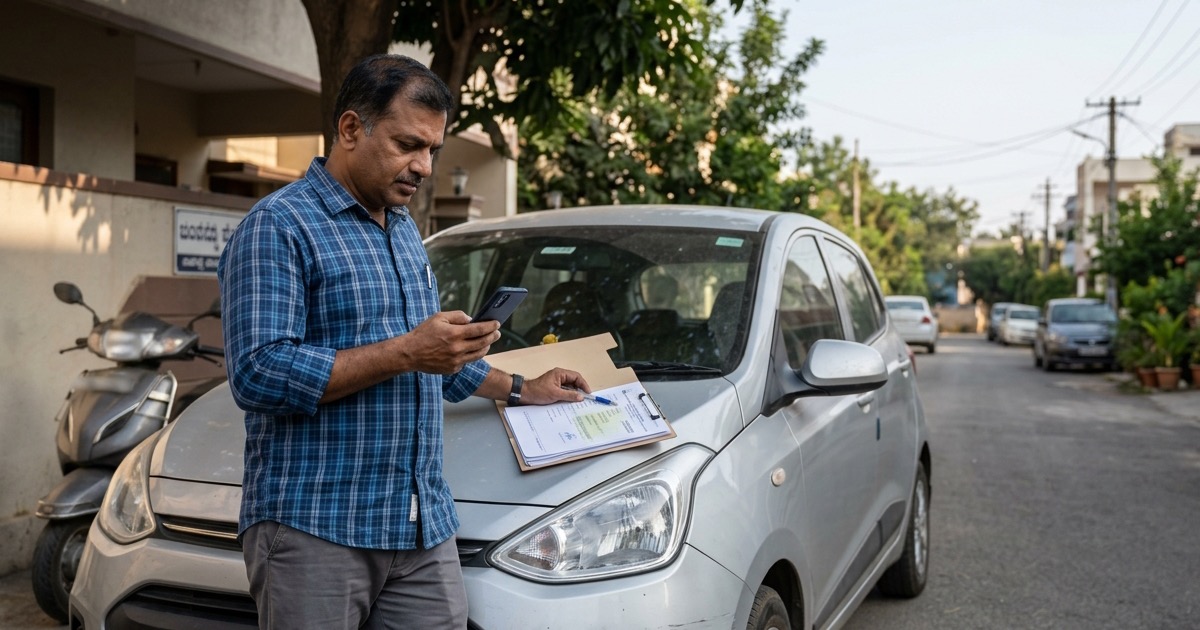
To check RC status online, enter the registration number in the official Know Your Vehicle Details service or the official mParivahan app, then compare the returned vehicle facts with the vehicle and RC in front of you. For a used-car or used-bike deal, treat the result as the first screen, not the last word: it can reveal a mismatch, an active financier, or an expired document before money changes hands.
Start with the official RC check guide in the first few minutes of a viewing, and use the VIN decoder alongside it when you can see the chassis stamp. This guide does not look up registration records: they remain with MoRTH’s VAHAN and Parivahan services.
How to Check RC Status Online
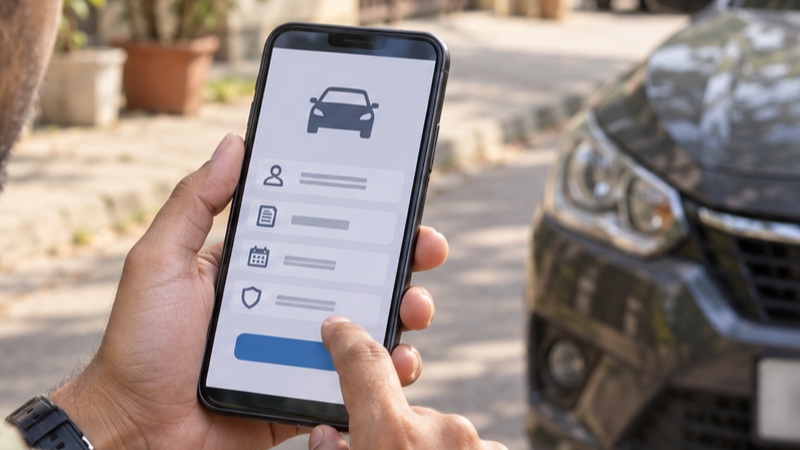
Open Parivahan’s License and Registration Details page, select Know Your Vehicle Details, sign in or register if prompted, and enter the registration number in the form’s format, such as MH01AB1234. Read the captcha yourself and submit it. A plate written as MH 01 AB 1234 normally has to be entered without spaces.
Record the result before you inspect papers. The goal is not to collect personal data. It is to establish whether the plate points to the stated maker, model, fuel, registering authority, registration date and current record. If it disagrees with the vehicle’s badge, fuel flap, RC or seller’s story, pause there.
Illustrative example: a listing says KA03MX2468 is a 2021 petrol hatchback. If the official result says diesel, a different maker, or a different class, stop and ask for original documents. Do not “correct” the number by trying nearby plates or accept a screenshot in place of a live official result.
Choose the Right Official Route
Use the route that matches the job. The VAHAN Parivahan walkthrough covers the browser flow; DigiLocker RC download steps are for an owner retrieving their own issued document.
| Need | Official route | What to enter or select | Best use |
|---|---|---|---|
| Quick public cross-check | Parivahan, Know Your Vehicle Details | Registration number and captcha | At a dealership or before meeting a seller |
| Mobile status and virtual record | Official mParivahan app | Registration number; owner verification for virtual RC | Owner record or quick buyer cross-check |
| Issued electronic RC | DigiLocker, Issued Documents / Get your Digital Vehicle RC | Account verification and the requested RC details | Registered owner showing an authentic RC |
| Transfer, duplicate, NOC or correction | VAHAN citizen services or registering RTO | State, registration number and application details | A formal transaction, not a public lookup |
MoRTH describes mParivahan as connected to RC, insurance, tax, fitness, PUCC, permit and challan status. Screens vary by state and account state, so follow labels on the live official page rather than a social-media video. The app is a fallback when the browser page is inconvenient, not a reason to share your OTP with a broker.
There is no safe nationwide assumption that an SMS command gives a complete RC report. Older state-specific VAHAN SMS material exists, but commands, coverage and numbers can change. Don’t send a vehicle number to a number forwarded on WhatsApp unless your state transport department itself publishes it currently.
Read the RC Result Like a Buyer
The public result is deliberately limited. It should not expose a full home address, unmasked mobile number or a complete owner identity to anyone who types a plate. Ask a seller to prove identity and title with their original RC or their own issued DigiLocker RC, not expect a buyer to retrieve private data.
| Field or label | Compare it with | If it looks wrong |
|---|---|---|
| Maker / Model / Vehicle Class / Fuel | Badges, fuel type, invoice and RC | Stop and ask for originals; different class or fuel is not a small typo. |
| Registration Date / Registering Authority | RC and local RTO printed on it | Check that an out-of-state claim has the correct NOC and transfer trail. |
| Chassis No. / Engine No. (often masked) | Physical stamps and printed RC | Match every visible character; inspect the full stamp with the seller. |
| Insurance / PUCC Validity | Current insurer policy and PUCC certificate | Ask for the live document and renew before use if expired. A portal can lag an insurer. |
| Fitness / Registration Validity | Vehicle class and official certificate | For transport vehicles, obtain the current fitness record. |
| Hypothecation | Lender NOC, Form 35 and RC endorsement | Do not make final payment until termination is recorded. |
An expiry is not cosmetic. Ask for the certificate, note its number and date, and contact the issuer through a number you find yourself. The RC book versus smart card guide explains why data and endorsements matter more than the old document format.
Match the Car or Bike to the RC
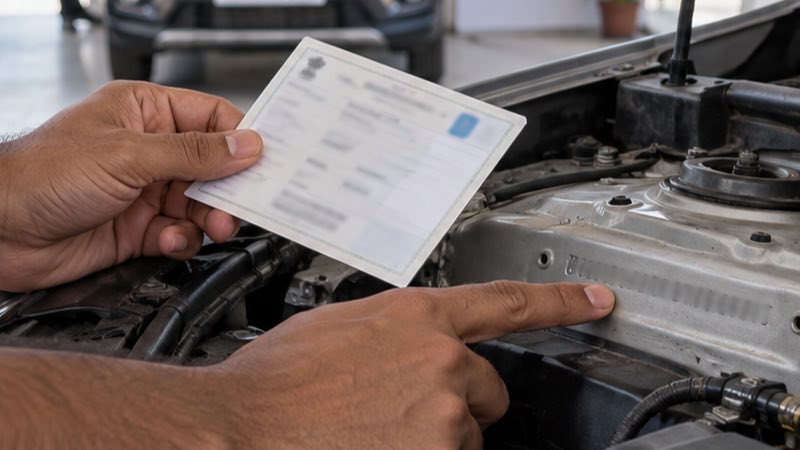
Match the physical vehicle before discussing price. On cars, a chassis or VIN marking may be visible through the windscreen, on a door-area label, in the engine bay or on a structural stamping. On a motorcycle, check the steering head or frame location described in the bike RC verification guide. Locations vary by maker, so an owner’s manual or manufacturer service centre is better than a generic video.
Ask the seller to point out the original stamp, not a loose plate or pencil rubbing. With permission, photograph surrounding metal. Look for uneven character depth, fresh paint, grind marks, welding near the stamp, mismatched rivets or a label that looks newer than the panel. Those signs do not prove a crime by themselves, but they mean RTO or police verification is needed before purchase.
Use an illustrative 17-character string such as MA1XX2AB3K4L56789 only to practice counting; it is not a real vehicle record. Put the real string into the VIN decoder to review factory-format information, then compare it with the RC. A decoder cannot verify legal ownership, insurance or VAHAN data. If the RC displays only a suffix, compare it exactly and use the physical RC for the full number.
Red Flags and What to Do Next
Don’t solve title problems with a verbal promise. Put the deal on hold and take the action tied to the flag.
| Red flag | Meaning for the deal | Next action |
|---|---|---|
| Active hypothecation | A financier is still recorded. | Obtain lender no-dues/NOC and completed Form 35, then confirm the RC entry is updated. |
| Owner count does not fit the claim | Seller may not be recorded owner or transfer is incomplete. | Meet the owner, inspect ID and RC, and submit transfer through VAHAN/RTO. |
| Blacklisted / service blocked | VAHAN services cannot continue until removal. | Do not pay. Ask for written closure and verify after the flag is removed. |
| Missing NOC for another-state vehicle | Selling state may still control transfer. | Verify original NOC, vehicle details and destination RTO before a token. |
| Expired insurance, PUCC or fitness | Paperwork needs renewal or correction. | See current originals; for transport vehicles confirm fitness through RTO/testing. |
| Chassis or engine mismatch | Physical vehicle may not match the RC. | Walk away until RTO, insurer and, where needed, police resolve it. |
For a pre-registration inspection, see what an RC check by chassis number can and cannot do. Public VAHAN search is principally plate based. A chassis number matches the vehicle to documents and supports owner-authenticated services; it is not permission to search another person’s record.
A Used-Vehicle Handover Checklist
- Before travelling: ask for the plate, a photo of the RC front and seller’s name. Run the official public check, but do not send a token from that result alone.
- At the vehicle: match maker, model, fuel, plate, full chassis stamp, engine number and odometer condition. A manufacturing-date check adds a factory-date cross-check.
- With the owner: compare original RC or issued DigiLocker RC with government ID. Check hypothecation, insurer document, PUCC and, for transport vehicles, fitness and permit papers.
- Before final payment: prepare transfer with the recorded owner, retain signed copies and use appropriate VAHAN/RTO forms. A broker receipt is not ownership proof.
- After submission: retain acknowledgement and follow application status. If the seller refuses to involve the recorded owner or provide originals, leave the deal.
Electronic records from mParivahan and DigiLocker are useful, but a screen alone does not settle ownership. Strong due diligence is a set of matching checks: official result, physical stamps, original documents, insurer information and a traceable transfer trail.
Frequently asked questions
Can I check RC status online with only a registration number?
Yes. Official public services support a registration-number lookup, but mask personal information and do not replace an RC or ownership-transfer documents.
Can I see the full owner name and address in an RC status check?
No. Ask the seller to show the original RC or their DigiLocker-issued RC and match it with their identity and transfer papers.
What if the RC shows hypothecation after the loan is closed?
Ask for the financier’s no-dues or NOC and completed Form 35, then confirm that termination of hypothecation is recorded by the registering authority.
Is a DigiLocker RC accepted during a roadside check?
A Registration Certificate issued through DigiLocker, and the RC in mParivahan, are recognised electronic records. Use an issued document, not a seller-uploaded photo.
What should I do if the chassis number differs from the RC?
Stop the transaction. Ask the registering authority and insurer to examine the discrepancy, and consider a police complaint if there is any sign of tampering.
Sources & official references
- Parivahan Sewa: License and Registration Detailsparivahan.gov.in
Official Know Your Vehicle Details service listing.
- mParivahan: A Step to Virtualizationparivahan.gov.in
MoRTH overview of virtual RC and live document-status services.
- MoRTH circular on DigiLocker and mParivahan documentscdn.digilocker.gov.in
Acceptance of electronic registration documents.
- Parivahan Form 35parivahan.gov.in
Official hypothecation termination form.
- Parivahan blacklist guidanceparivahan.gov.in
Official blacklist-service guidance.